StudioDevice mockups

Your screen, in a real photo.

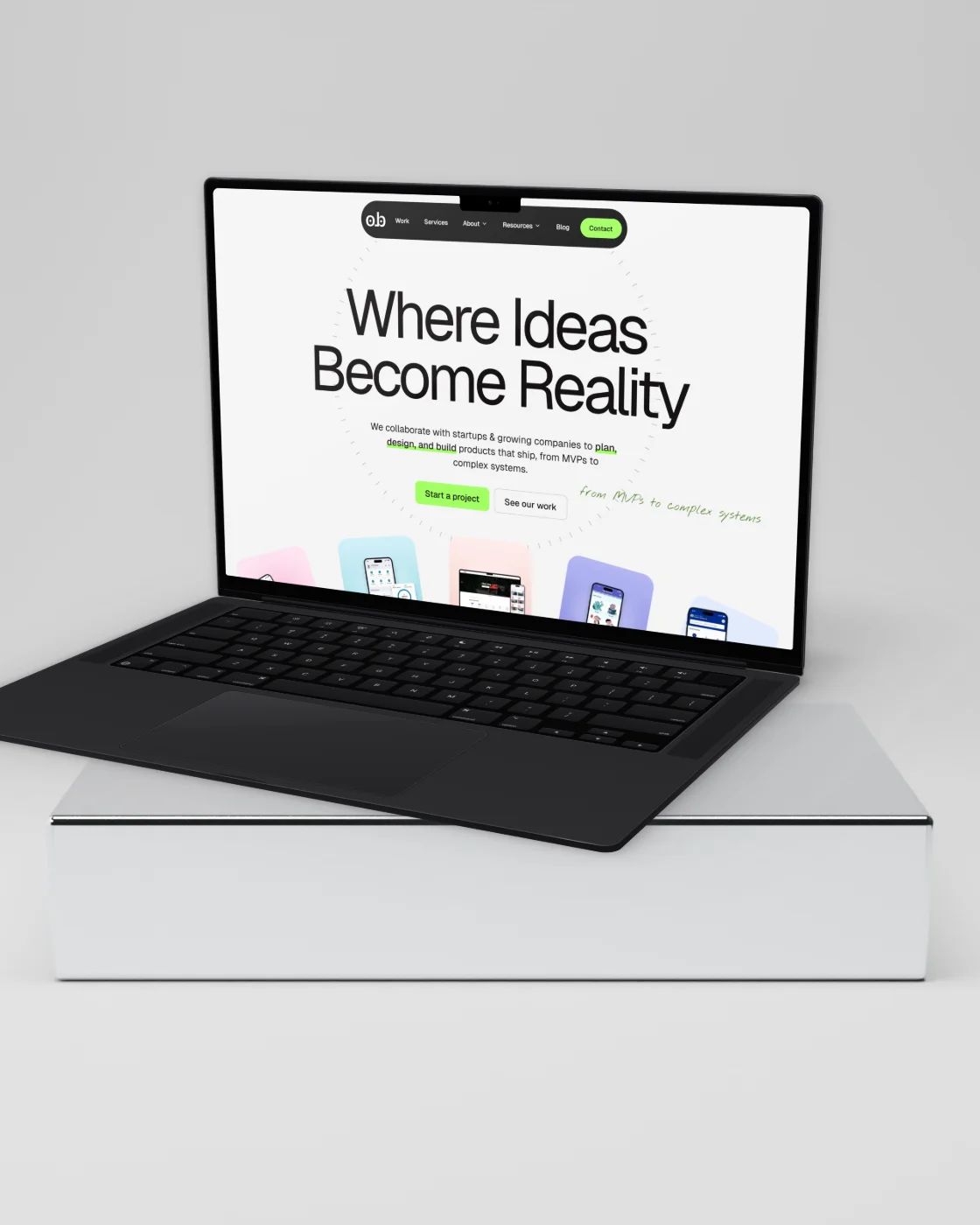
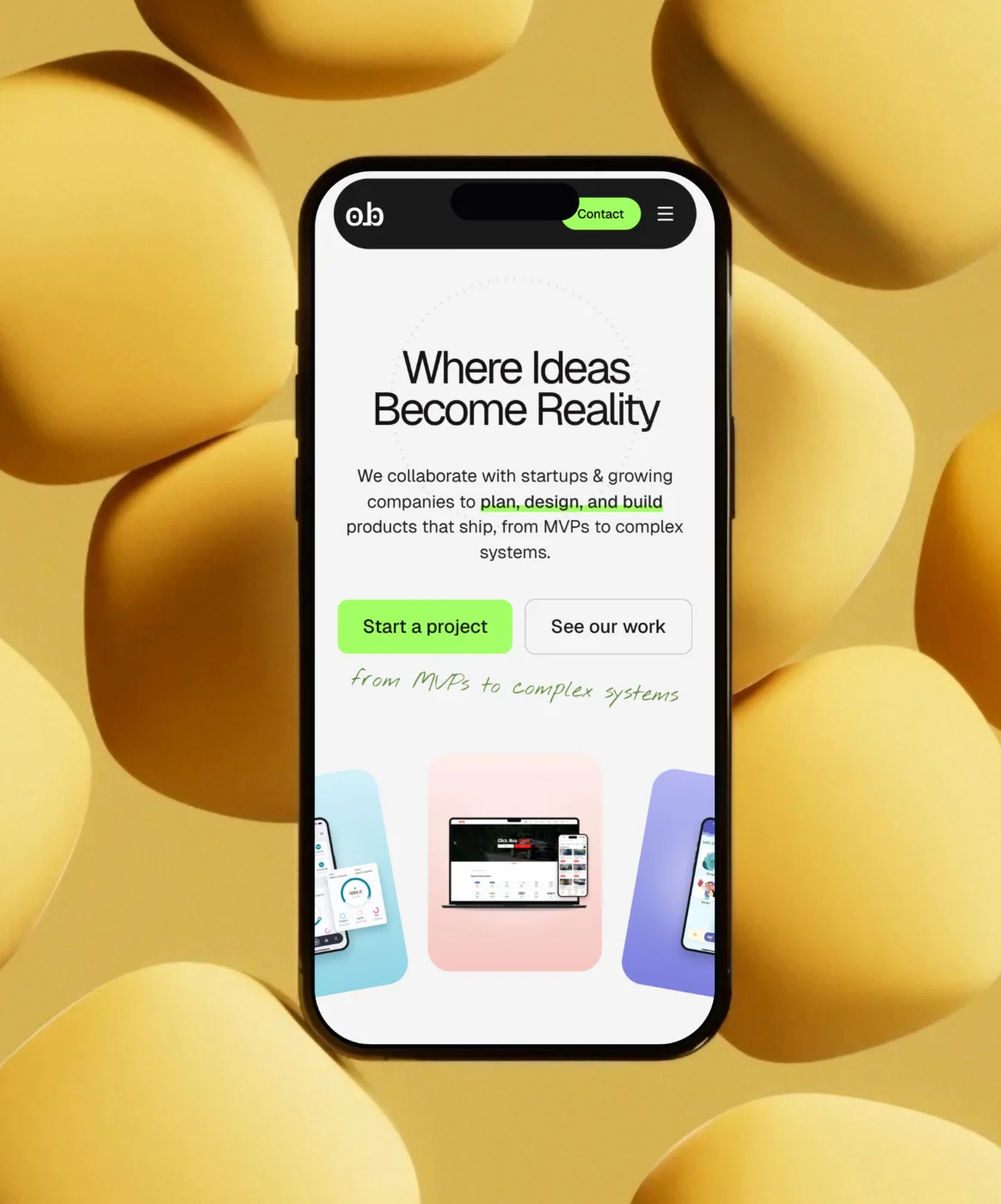
Drop a screenshot and get a high-resolution mockup in under a minute. Pick a real photo, or a 3D device in a studio. It all runs in your browser.

one screen, every scene →

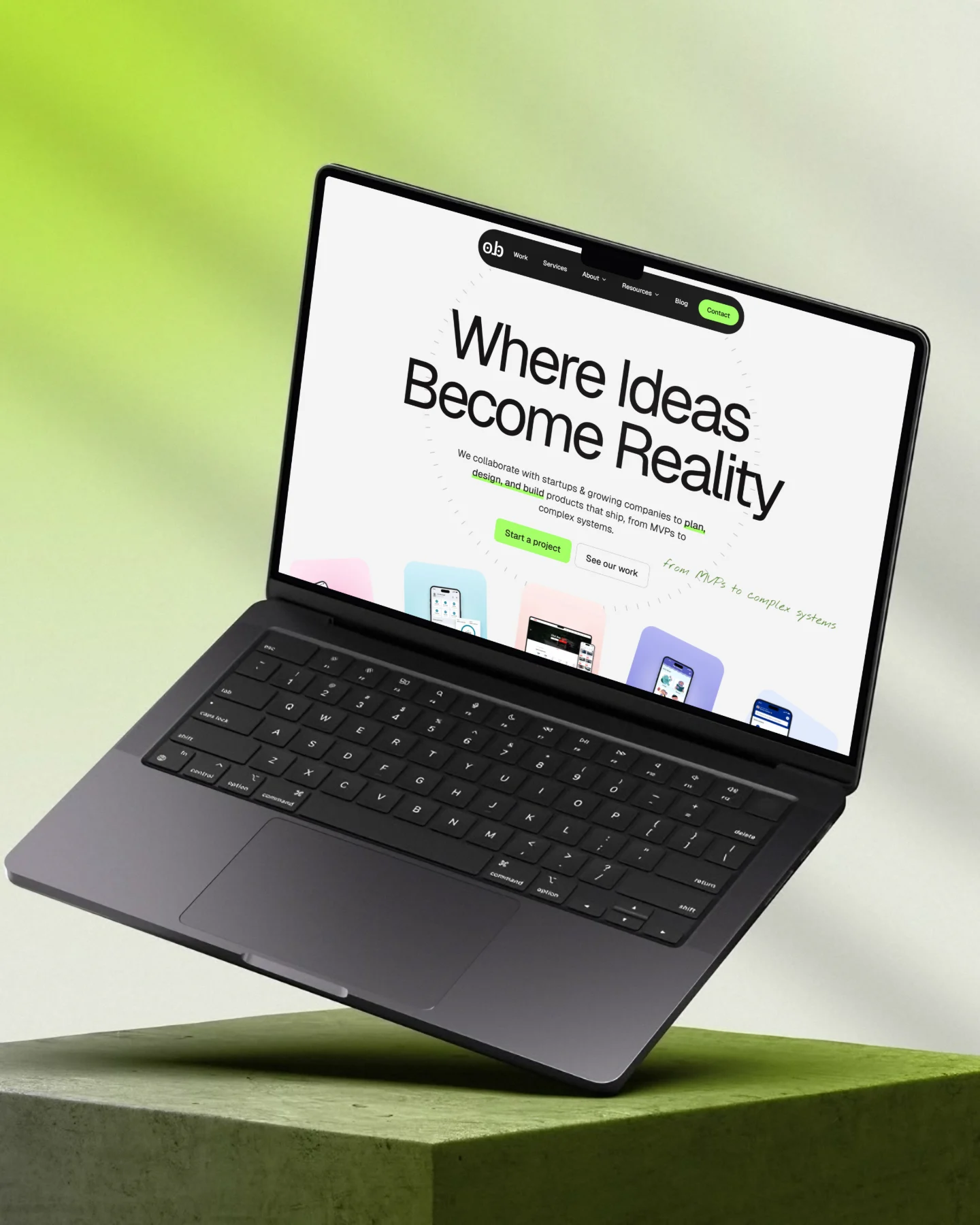
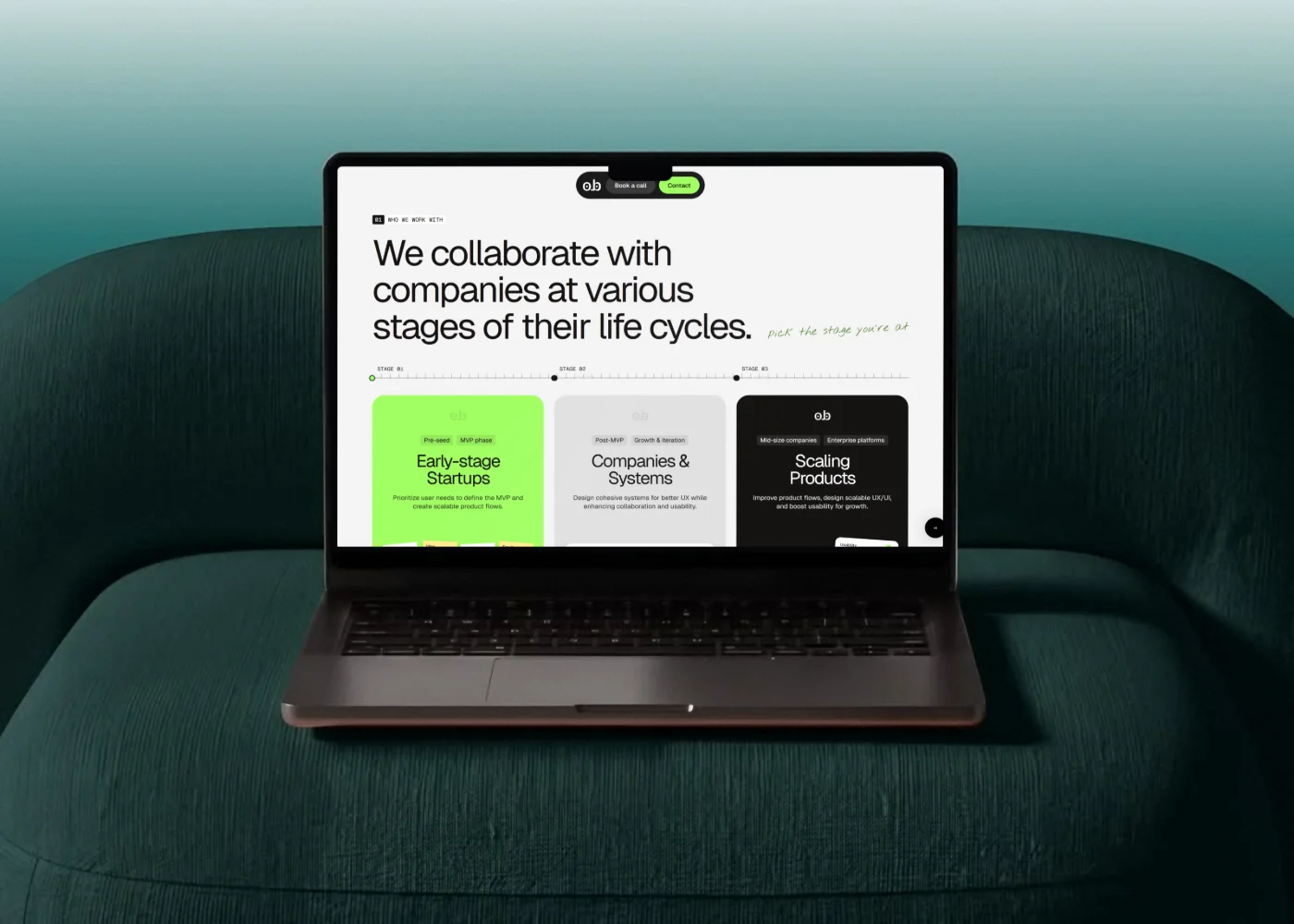
A laptop mockup floating over a lime studio
01 / 06 Floating · lime studio

01Two ways to work

Start from a photo, or build the scene.

Two modes in the top bar. Each one keeps its own picks, so you can switch back and forth.

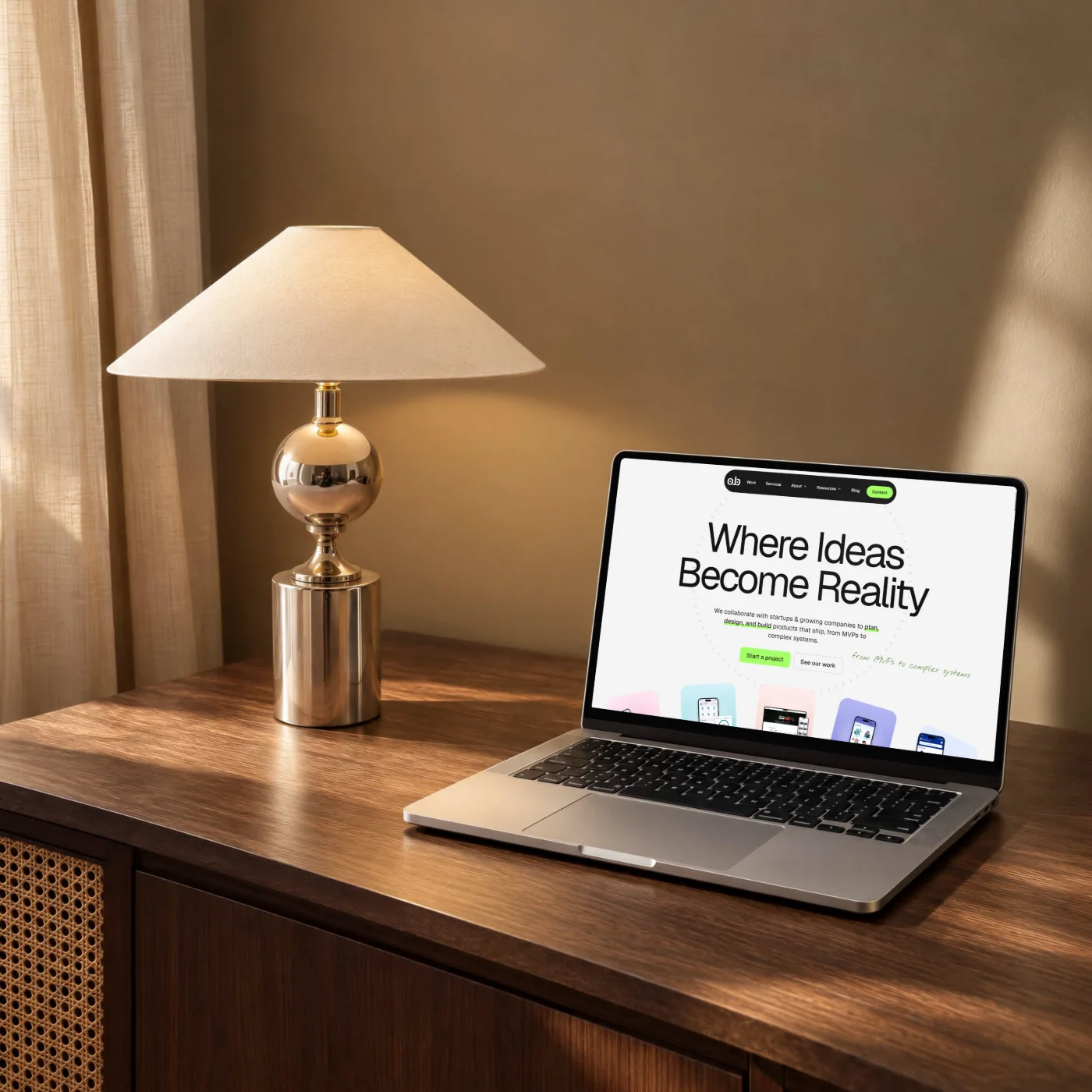
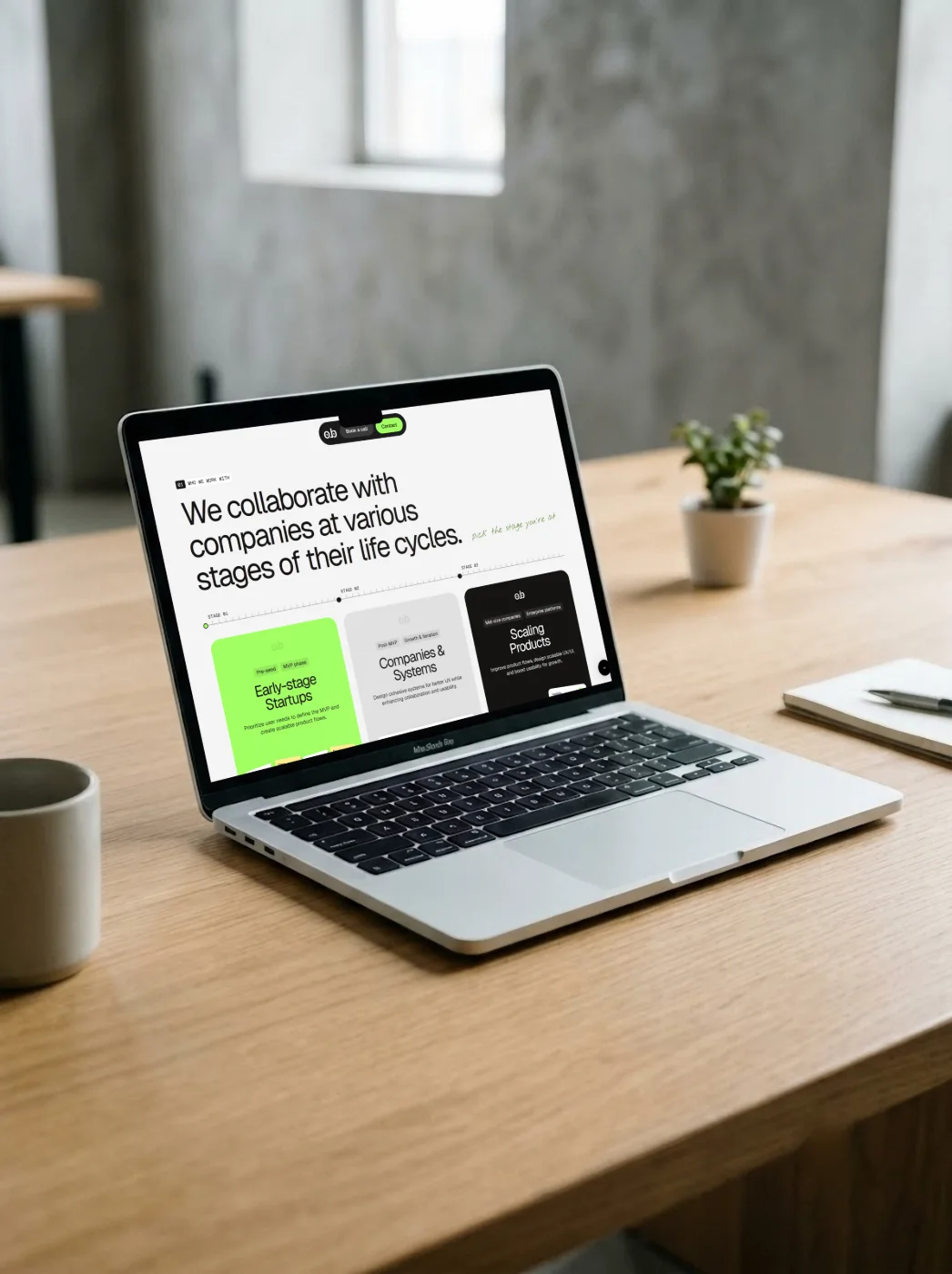
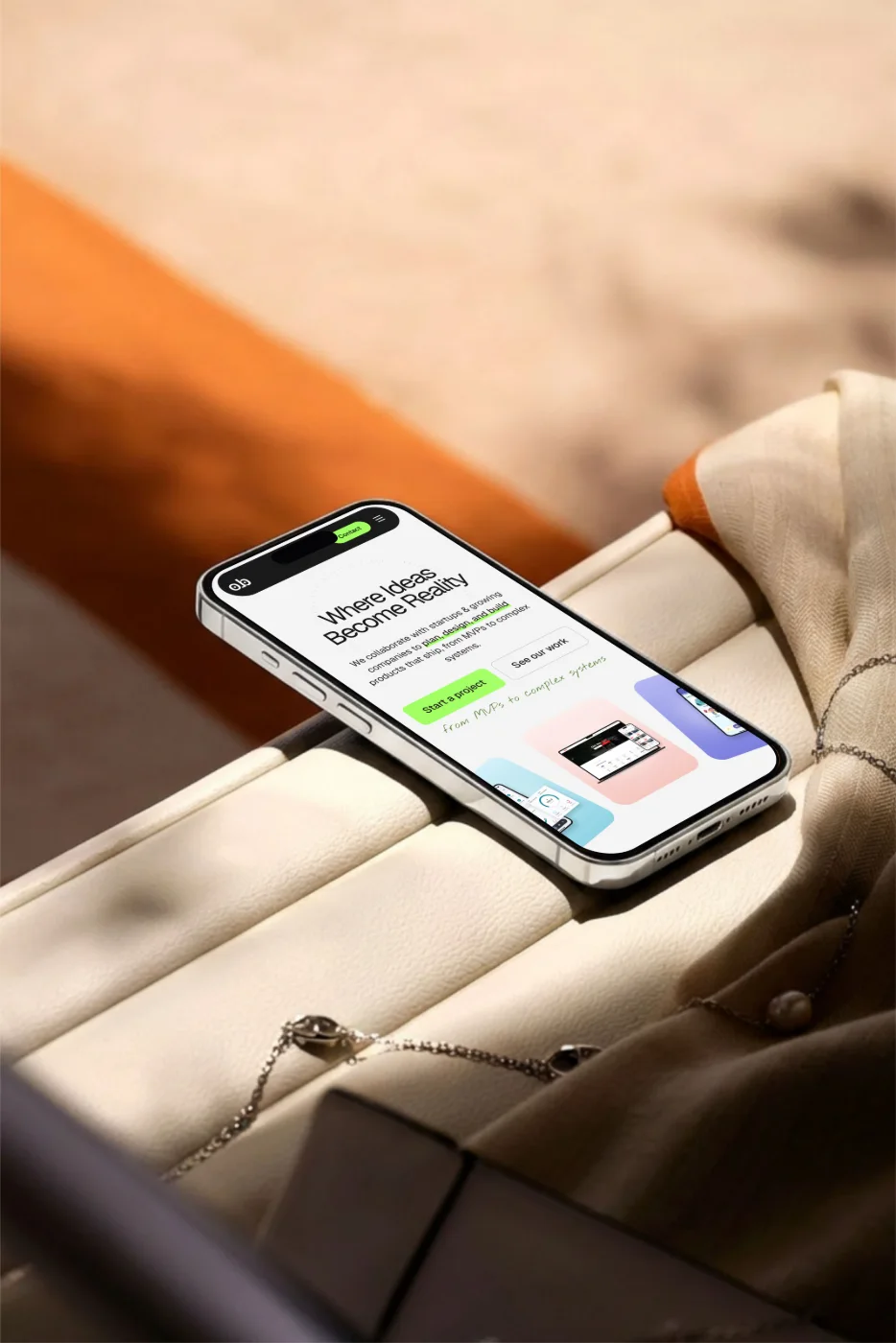
Photo mockups

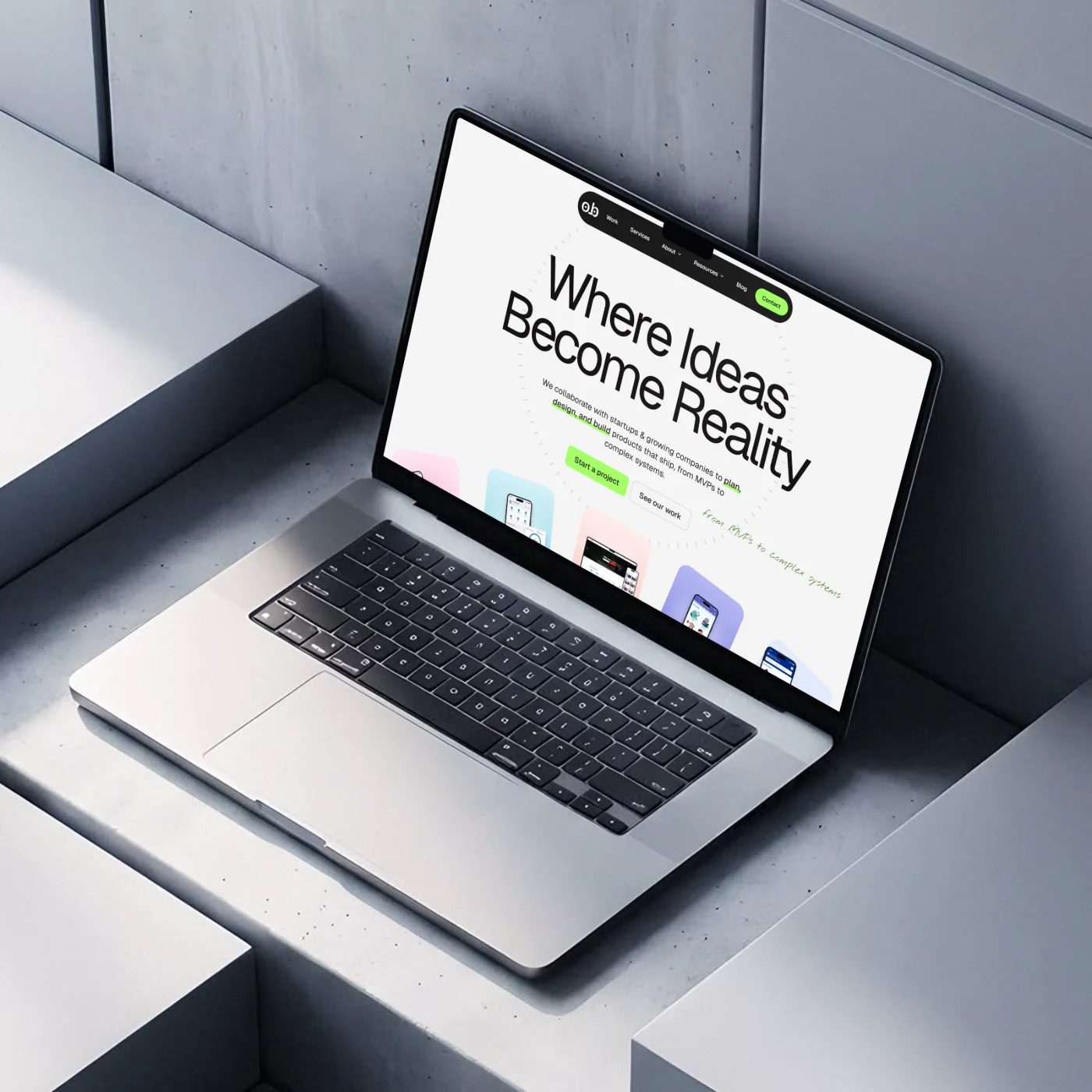
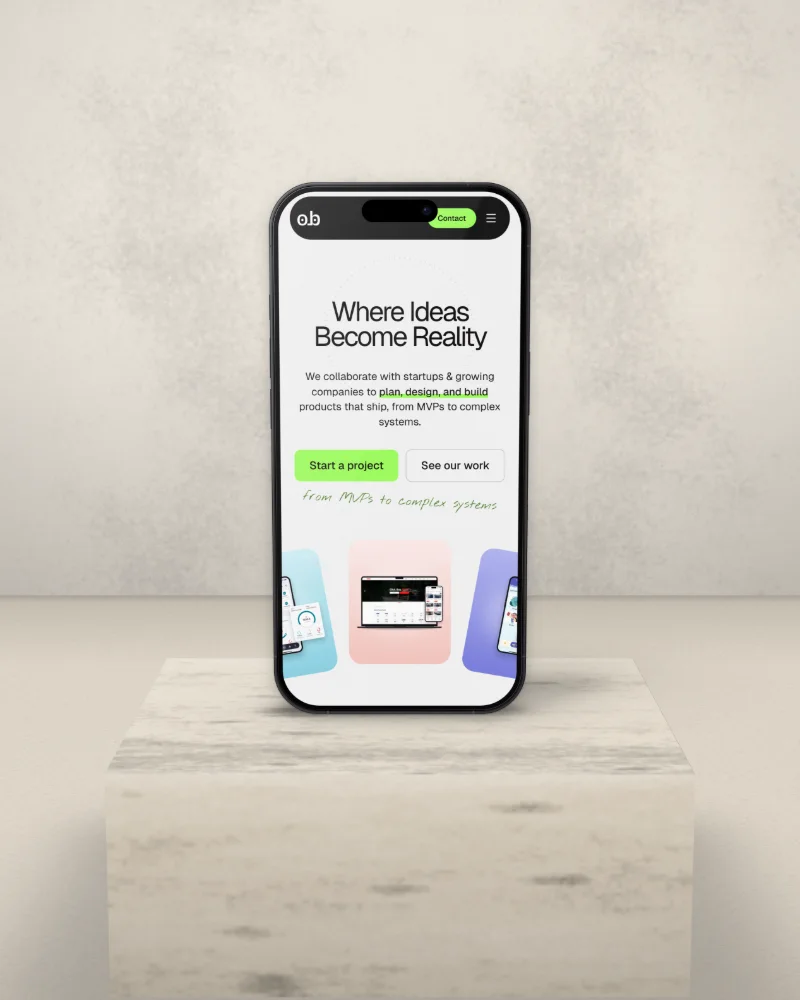
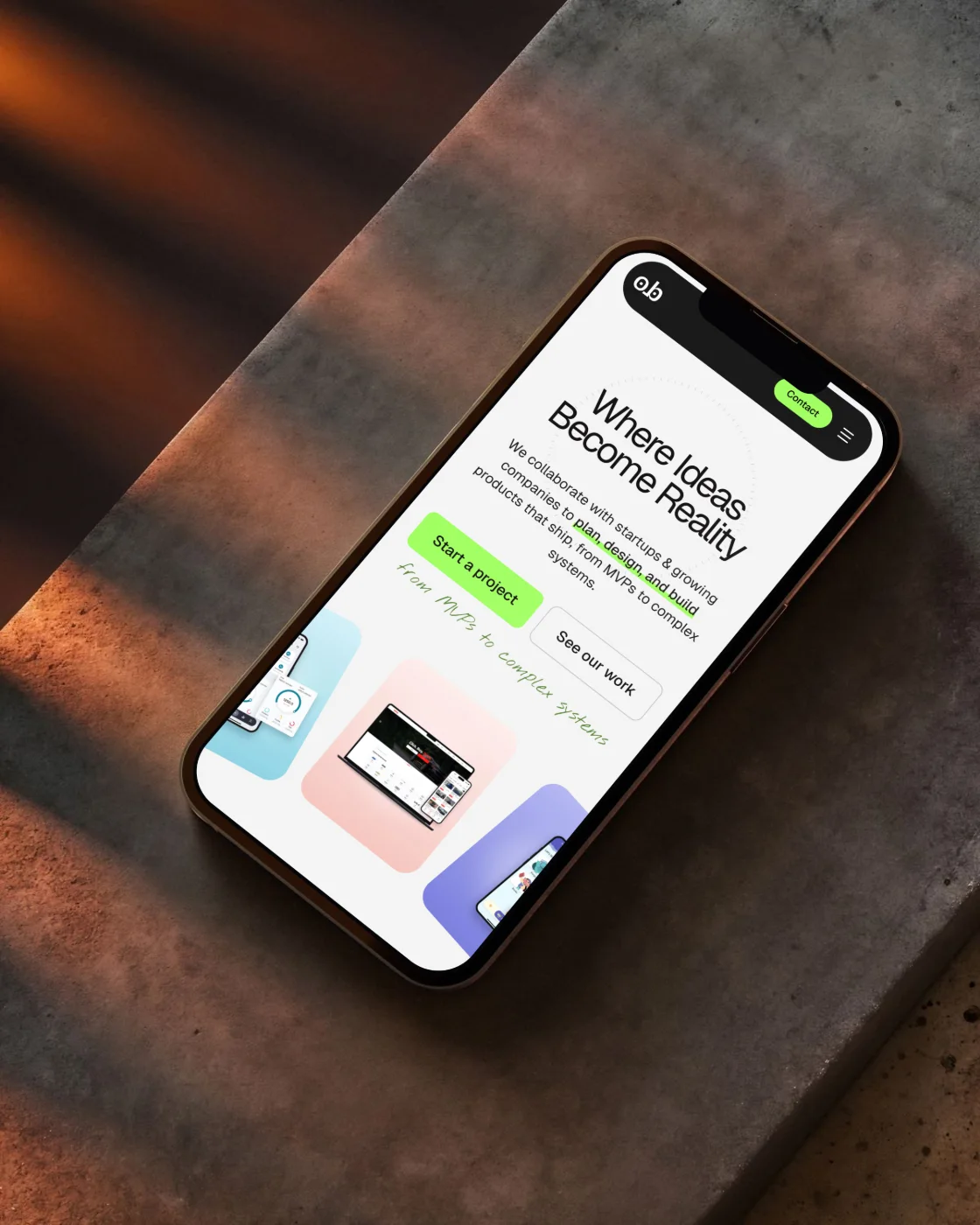
90 real photographs, ready for your screen.

  • Your screenshot lands on the photographed screen, in its exact perspective.
  • Long pages fit the width, and you scroll them inside the screen.
  • Fill and crop for any size, with the device kept in the centre.
  • The photo stays as it was shot. Only the screen changes.

3D studio

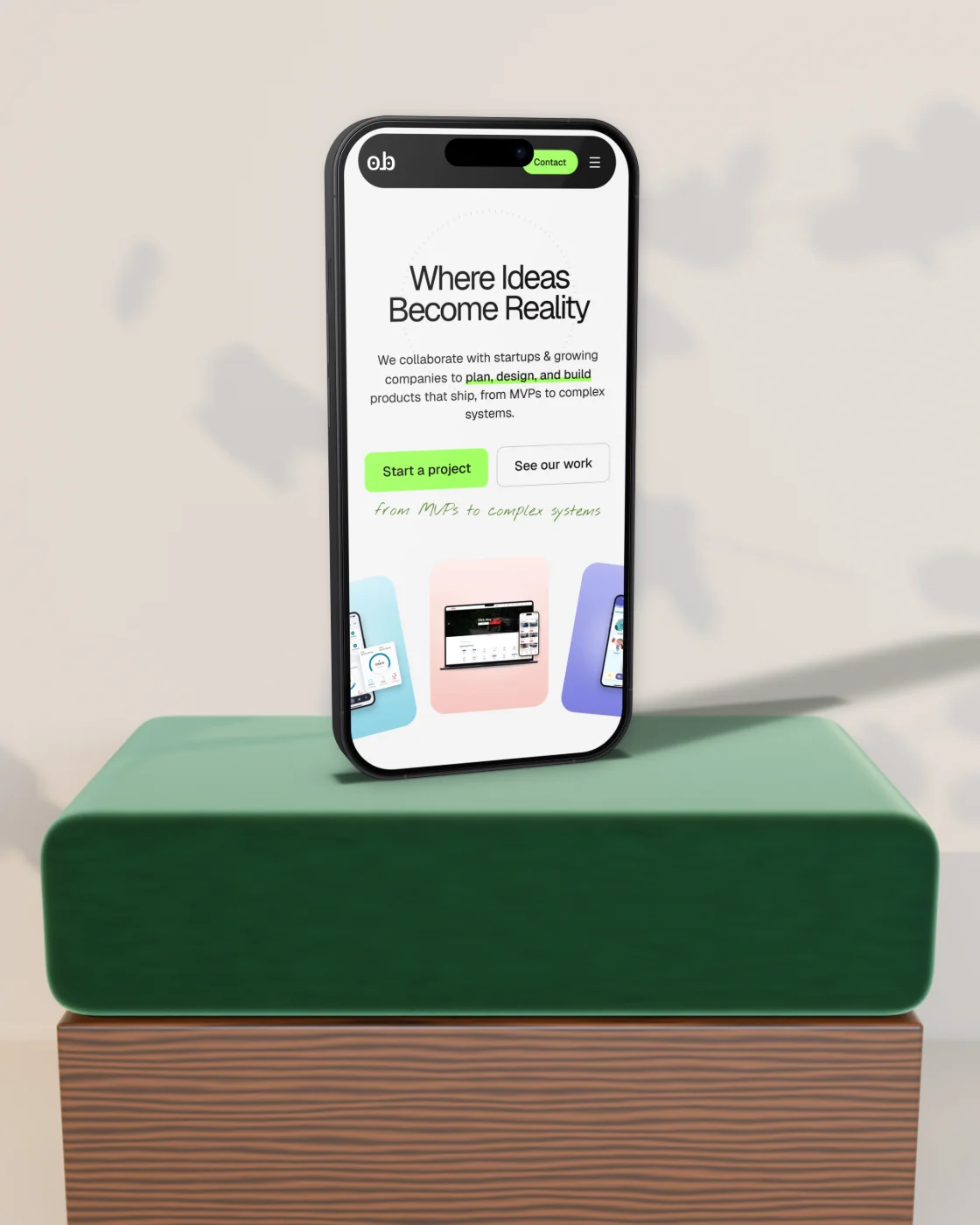
A 3D device you can pose and light.

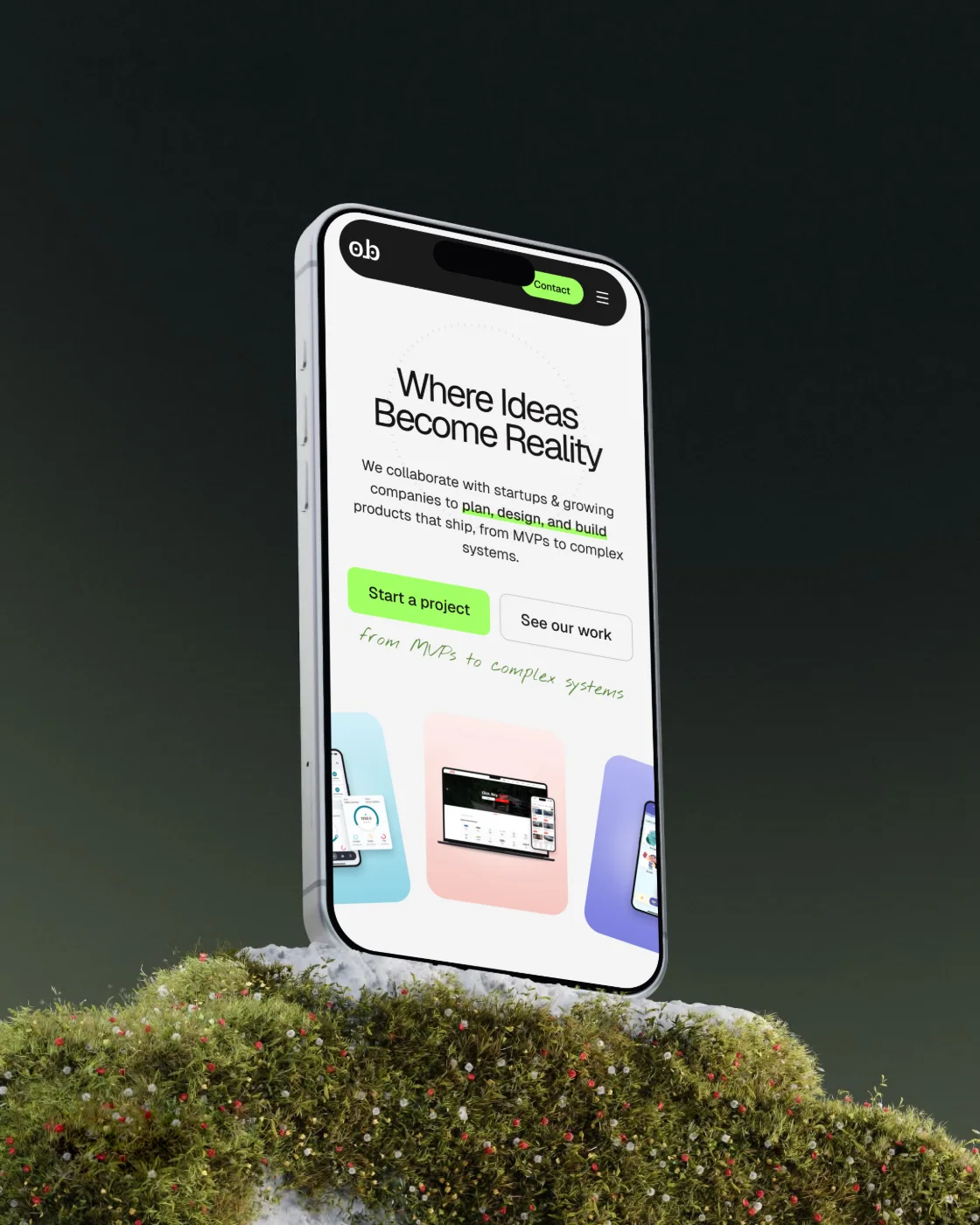
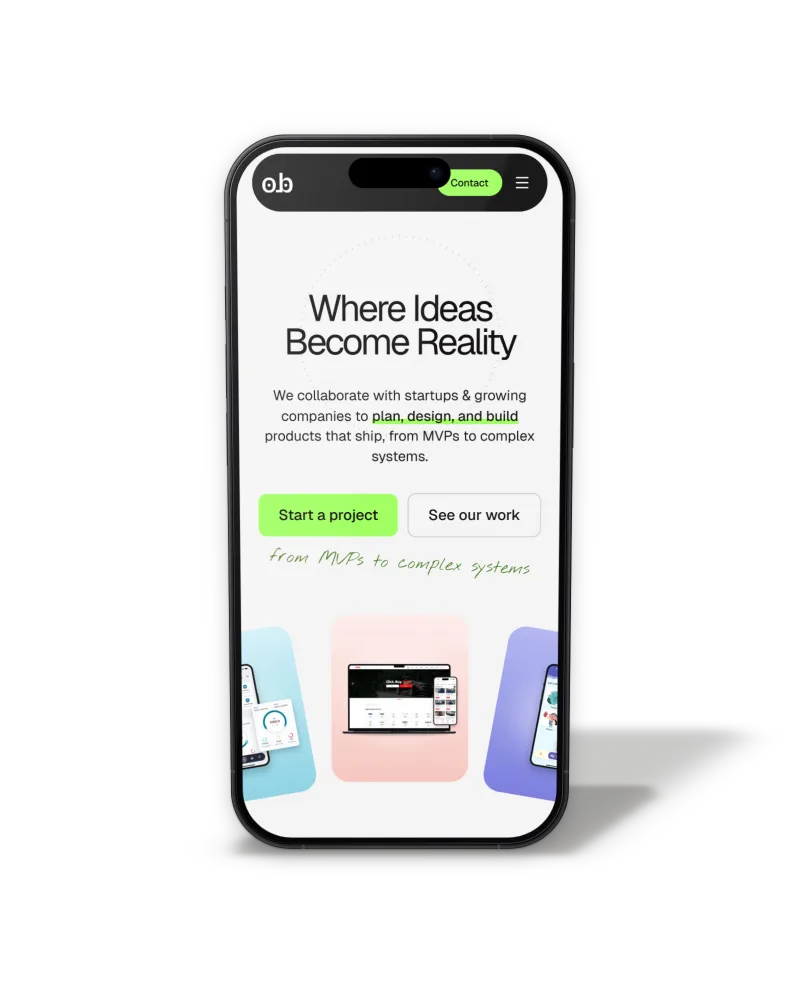
  • 20 finely detailed phones and laptops, in any colour.
  • Drag to turn, scroll to zoom, or pick a ready view.
  • Ready-made studios and live sets you can recolour.
  • The shadow and the light follow the background on their own.

02What's inside

Everything a mockup needs, in one place.

Photo library

90 photographs, phones and laptops

Concrete, wood, velvet, sunlight and studio dark. Filter by device and search by name.

20 devices

Finely drawn, not photographed

Sharp at any size, in any colour, with glare and notch you can switch off.

Real 3D

Turn it any way you like

Drag the device or the orbit ball, roll with Shift, nudge with the arrow keys.

Studios & sets

Ready-made studios and live sets

Studio photos with real lighting, plus live sets where you pick the wall, the surface and the accent colour.

Smart lighting

Shadows that match the photo

It reads where the light comes from, how soft and warm it is, then sets the shadow and the device light.

Composer

The best spot, automatically

It finds the table line, the calm side and the camera height, then sets the size and angle.

Your backgrounds

Bring any photo

Upload your own, erase what's in the way, set the mood and the colour.

Every size

Post, story, banner or slide

Platform sizes with a safe-area guide. The device always stays inside it.

Two languages

English and Arabic

A full right-to-left Arabic interface, one click away.

Private

Your screens stay with you

Everything is processed on your device. Your screens never leave your browser.
03Export

Ready for anywhere, in one click.

Full detail for print, and light files to send.

Download

Sharp enough to print

JPG, WebP or PNG at up to 6400 px, each file kept under 5 MB.

Copy to Figma

Paste straight onto the canvas

One click copies it at 4096 px, the largest size Figma keeps.

SVG

An editable device

The device comes as vector layers you can recolour and change.

Drop a screenshot. That's the first step.

Open the studio

it takes a minute